Different VR Training Platforms support different workplace training needs, from safety procedures to leadership communication. Choosing between them starts with the skills you want your learners to practise, followed by the content, feedback, and hardware each programme requires.
At RedboxXR, we supply VR/XR hardware and help you deploy software from our training partners. The platforms provide the learning experiences. We bring together the headsets, kit configuration, and setup services needed to use your chosen software.
In this guide, we’ll explain where each partner platform fits, what your learners can practise, and what to confirm before putting together your training kit.
Quick guide: Five VR Training Platforms for Workplace Training
- GWPro: Practical safety and hard-skills simulators with structured study, training, and assessment stages.
- Next World VR: Workplace safety scenarios covering activities such as manual handling, fire response, and working at heights, supported by training analytics.
- Bodyswaps: Practice communication, empathy, and leadership through perspective-taking and personalised feedback.
- Virti: Immersive skills training that combines ready-made content with tools to create virtual humans and interactive video.
- VirtualSpeech: Presentation, leadership, and workplace conversation exercises with AI role-play and performance feedback.
How we selected these training platforms
These five platforms are featured on our website as training software we work with. This is a partner guide, rather than an independent ranking or a claim that we have tested every platform against the same benchmark.
Use these criteria to match a platform to your programme:
- Training objective: Identify the task or conversation your learners need to handle, so the software addresses a defined learning need.
- Scenario relevance: Check the actual modules against your workplace, procedures, and learner responsibilities.
- Practice and feedback: Understand how learners rehearse, receive guidance, and demonstrate progress.
- Headset compatibility: Confirm support for your selected devices before buying hardware or licences.
- Session delivery: Establish how trainers will run individual practice, group instruction, or repeat sessions.
- Reporting requirements: Check which results the platform records and how those results fit your learning systems.
Partner platforms for safety, practical skills, and leadership
GWPro: Safety procedures and hands-on skills
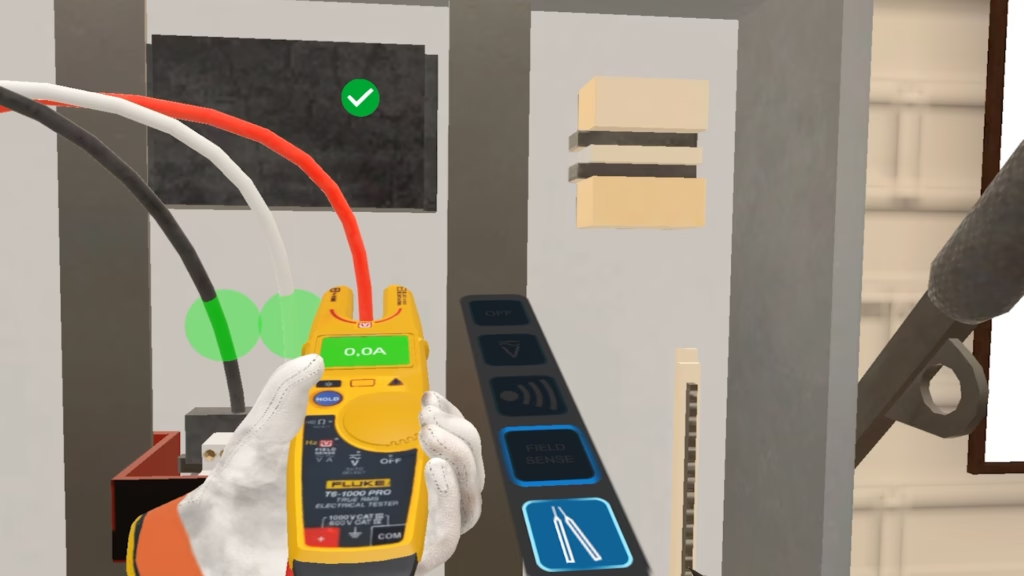
GWPro provides VR simulators for practising safety procedures and practical tasks. Its learning sequence separates studying a procedure, rehearsing it, and completing an assessment. That structure gives your trainers a way to distinguish guided practice from assessed performance.
Modules listed on our website include electrical safety, confined space entry, lockout/tagout, working at height, first aid, and forklift inspection. The range makes GWPro relevant when your programme centres on procedural decisions and hazard recognition rather than presentation skills or leadership conversations.
Use these criteria to match a platform to your programme:
- Training objective: Identify the task or conversation your learners need to handle, so the software addresses a defined learning need.
- Scenario relevance: Check the actual modules against your workplace, procedures and learner responsibilities.
- Practice and feedback: Understand how learners rehearse, receive guidance and demonstrate progress.
- Headset compatibility: Confirm support for your selected devices before buying hardware or licences.
- Session delivery: Establish how trainers will run individual practice, group instruction or repeat sessions.
- Reporting requirements: Check which results the platform records and how those results fit your learning systems.
Next World XR: Workplace safety practice with analytics
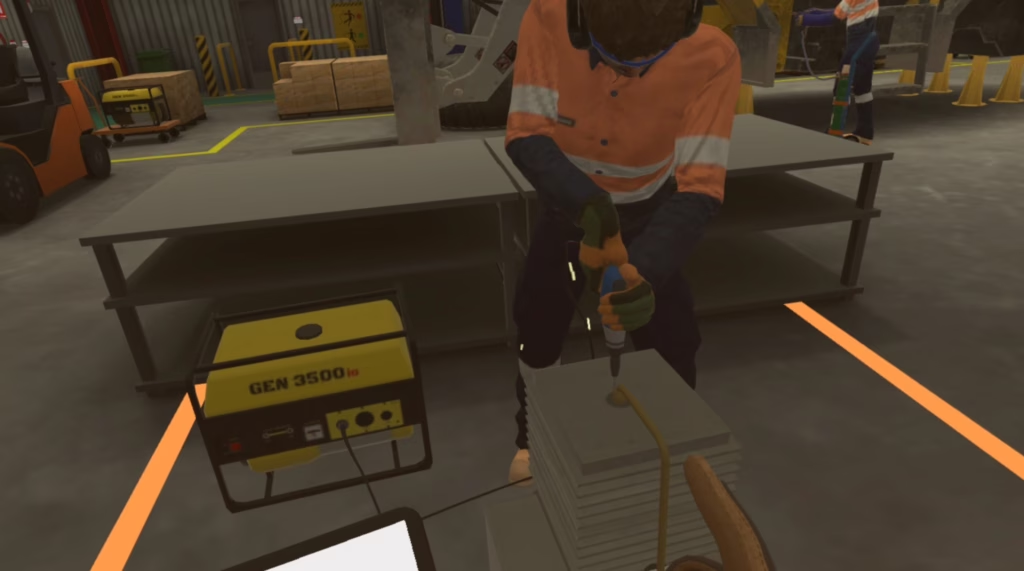
Next World XR focuses on workplace safety through immersive scenarios. Your learners can rehearse recognising hazards and responding to situations that would be difficult to reproduce safely during a live training session.
Our partner page covers manual handling, fire hazards, working at heights and working around forklifts. It also lists learning experiences for office hazards, slips, trips and falls, hand safety and lockout/tagout. These topics help you build a shortlist around the risks your workforce encounters.
Capabilities to consider
- Safety scenarios address specific workplace activities and hazards.
- Built-in analytics help you track training performance and identify where follow-up is needed.
- Software preinstallation is available through our VR kit setup service.
Bodyswaps: Communication, empathy, and leadership
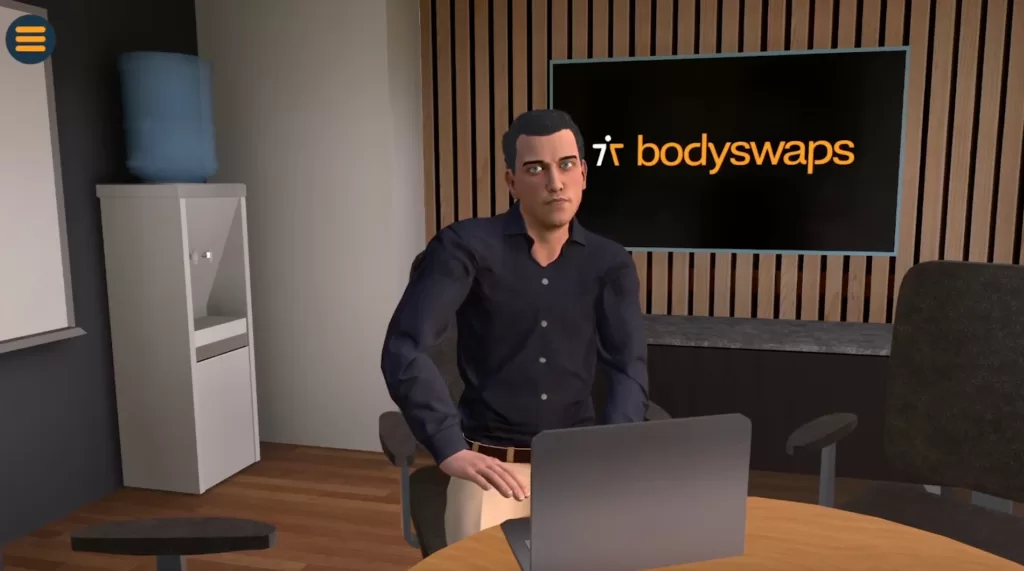
Bodyswaps gives your learners a space to practise interpersonal skills using immersive simulations. Its perspective-taking approach lets learners review an interaction from another person’s viewpoint, then use personalised feedback to reflect on how they communicated.
The platform supports communication, collaboration and leadership development. Our website also highlights job interview preparation, public speaking and workplace communication. Bodyswaps is relevant when your training objective concerns how someone speaks, listens or responds, rather than how they carry out an industrial procedure.
Capabilities to consider
- Voice and body-language practice helps learners rehearse their own responses.
- Perspective-taking supports reflection on the effect of an interaction.
- Bodyswaps Go provides tools for managing learner access, content, devices, and usage.
- VR, PC, and mobile access offer different delivery options.
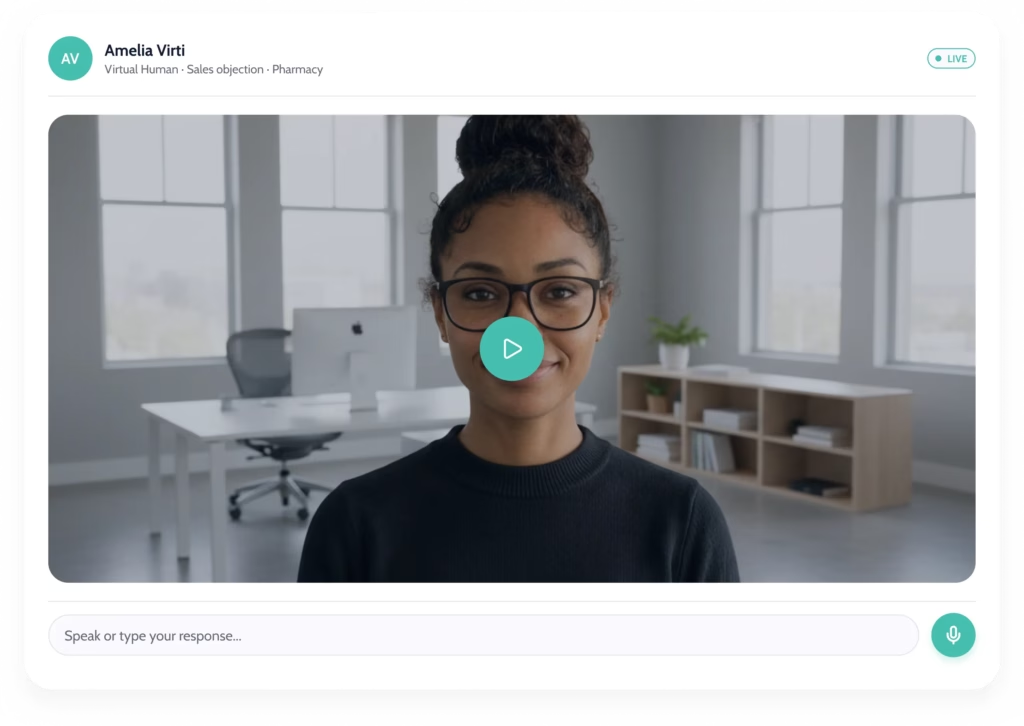
Virti: Immersive scenarios and virtual-human training
Virti supports experiential and soft-skills training through immersive content, artificial intelligence, and performance feedback. Your programme can use ready-made material or incorporate content created around your organisation’s own learning needs.
Our partner page describes browser-based tools for creating virtual humans and interactive videos. It also highlights analytics and learner feedback, giving training managers ways to review performance and identify topics for further coaching.
Capabilities to consider
- Ready-made content provides a starting point for training delivery.
- Virtual-human and interactive-video creation tools support scenario development.
- Performance feedback and analytics inform follow-up learning.
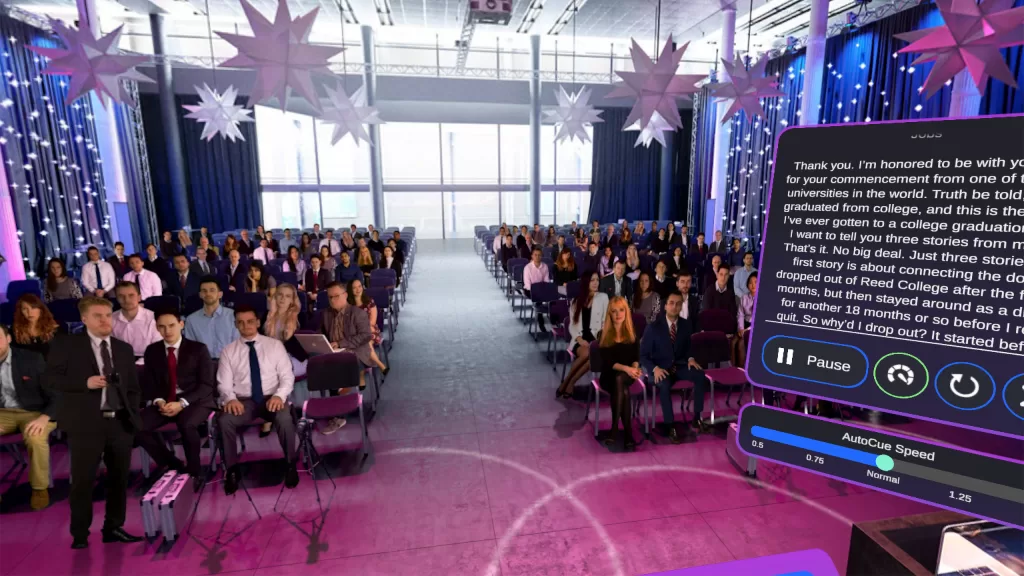
VirtualSpeech: Presentations and workplace conversations
VirtualSpeech supports repeated practice of public speaking, leadership communication, sales conversations, and other workplace interactions. Learners use simulated environments and AI-powered role-play, then review feedback on their delivery and content.
Courses listed on our website include difficult conversations, giving feedback, active listening, team communication, and presentation skills. Learners can also incorporate slides, notes, and questions, helping connect practice sessions to presentations or conversations they are preparing for.
Capabilities to consider
- AI role-play supports conversation rehearsal.
- Performance feedback and an AI Coach support reflection after practice.
- Presentation recording helps learners review delivery and body language.
Comparison table: Match the platform to your learning need
Each partner has a different training emphasis. Use this table to narrow your selection before discussing modules and deployment requirements with RedboxXR.
| Platform | Training emphasis | Example practice | Learning support |
| GWPro | Safety and practical procedures | Electrical safety, confined spaces, forklift inspection | Study, Training and Exam stages |
| Next World XR | Workplace safety | Manual handling, fire hazards, working at heights | Built-in training analytics |
| Kroppsbyte | Interpersonal skills | Communication, empathy, leadership | Perspective-taking and personalised feedback |
| Virti | Experiential and soft-skills training | Virtual-human interactions and interactive video | Content creation tools and performance feedback |
| VirtualSpeech | Speaking and workplace conversations | Presentations, difficult conversations, giving feedback | AI role-play, feedback and AI coaching |
How should you plan a programme covering safety and leadership using one of these VR Training Platforms?
Plan safety and leadership as separate learning objectives, then select the partner content that addresses each one. GWPro and Next World VR cover practical and safety-focused scenarios. Bodyswaps, Virti and VirtualSpeech provide options for interpersonal skills and communication practice.
For example, you might need procedural rehearsal for operational staff and feedback conversations for supervisors. Those requirements do not need to come from one software platform. They do need a clear delivery plan, suitable devices and agreed access to each application.
Before combining applications in one rollout, confirm headset compatibility, account requirements and how trainers will switch between sessions. Do not assume every application runs on every headset or that separate platforms share one reporting dashboard.
Deploy your chosen VR Training Platforms with RedboxXR
RedboxXR brings the hardware and deployment services together around your selected VR Training Platforms. We supply headsets from manufacturers including Pico, HTC VIVE and Meta, alongside storage, charging and configuration options for organisational use.
Our in-house production team can preinstall your chosen applications and configure agreed settings before dispatch. The training partners provide the scenarios and learning tools; we prepare the equipment needed to put them into use.
Discuss your training kit with our team. Tell us which skills you want to develop, how many people will train, and where sessions will run, so we can specify the hardware and setup around your programme.
FAQs about partner VR training platforms
Is RedboxXR a VR training platform?
No. RedboxXR, formerly RedboxXR, supplies VR hardware, kits and deployment services. We work with training software providers including GWPro, Next World VR and Bodyswaps. Those partners provide the learning platforms; we help you deploy the selected applications on suitable equipment.
Which partner platforms cover safety and practical skills?
GWPro and Next World VR cover safety-focused training. GWPro includes procedural simulators such as electrical safety and confined space entry. Next World VR includes workplace scenarios such as manual handling and fire hazards. Module selection should reflect your organisation’s risks and training requirements.
Which platforms support leadership and communication practice?
Bodyswaps, Virti and VirtualSpeech provide options for interpersonal skills practice. Their approaches include perspective-taking, virtual-human interactions, and AI role-play. RedboxXR can help you discuss the hardware and setup needed for your chosen software, while course selection should follow your learning objectives.
Can RedboxXR preinstall training software?
Yes. RedboxXR offers application preinstallation as part of agreed VR Kit setup. Our in-house production team can prepare supported headsets with your selected software and settings. Confirm licences, account access, and device compatibility during specification so the setup matches your training plan.
